
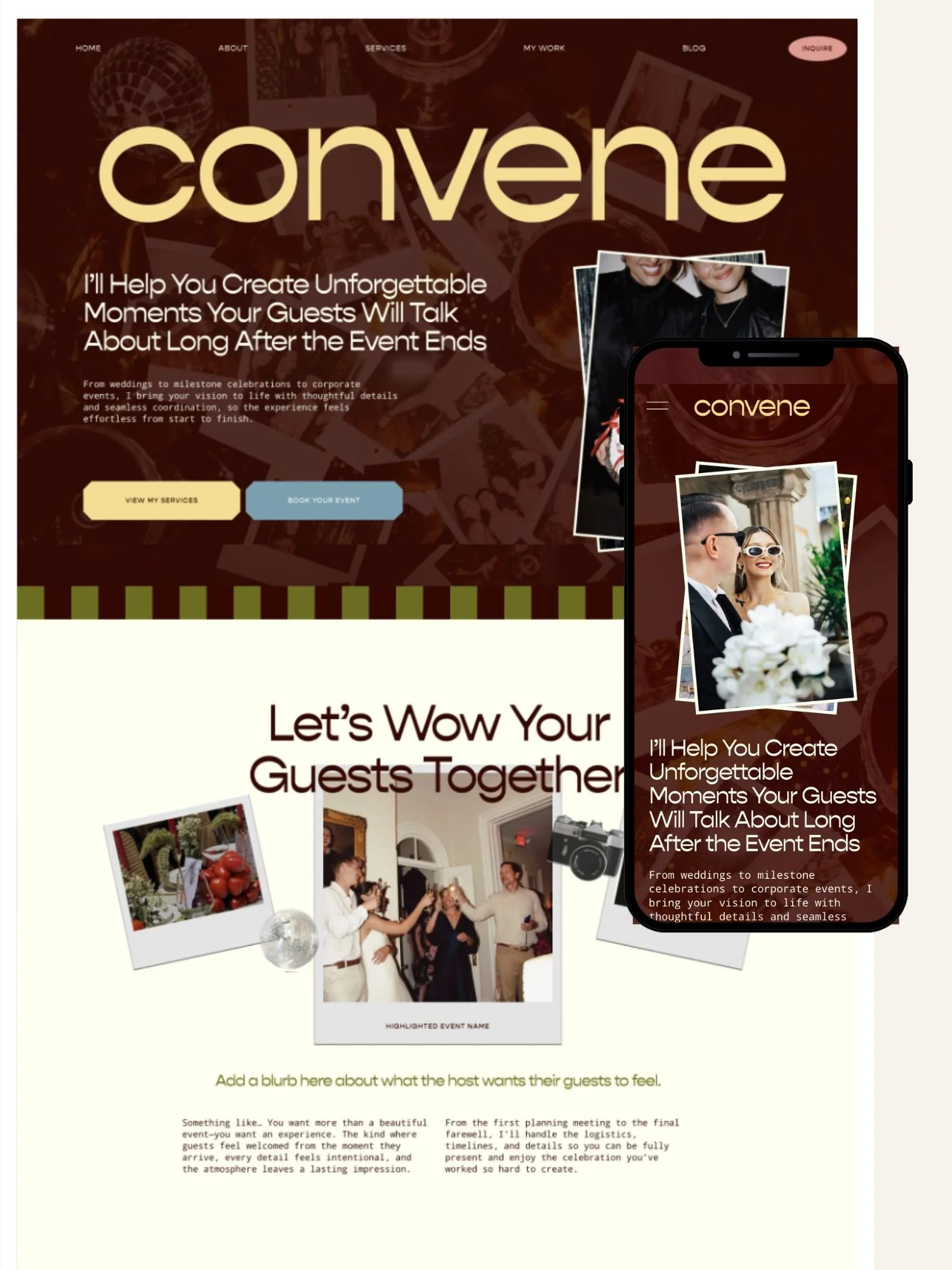
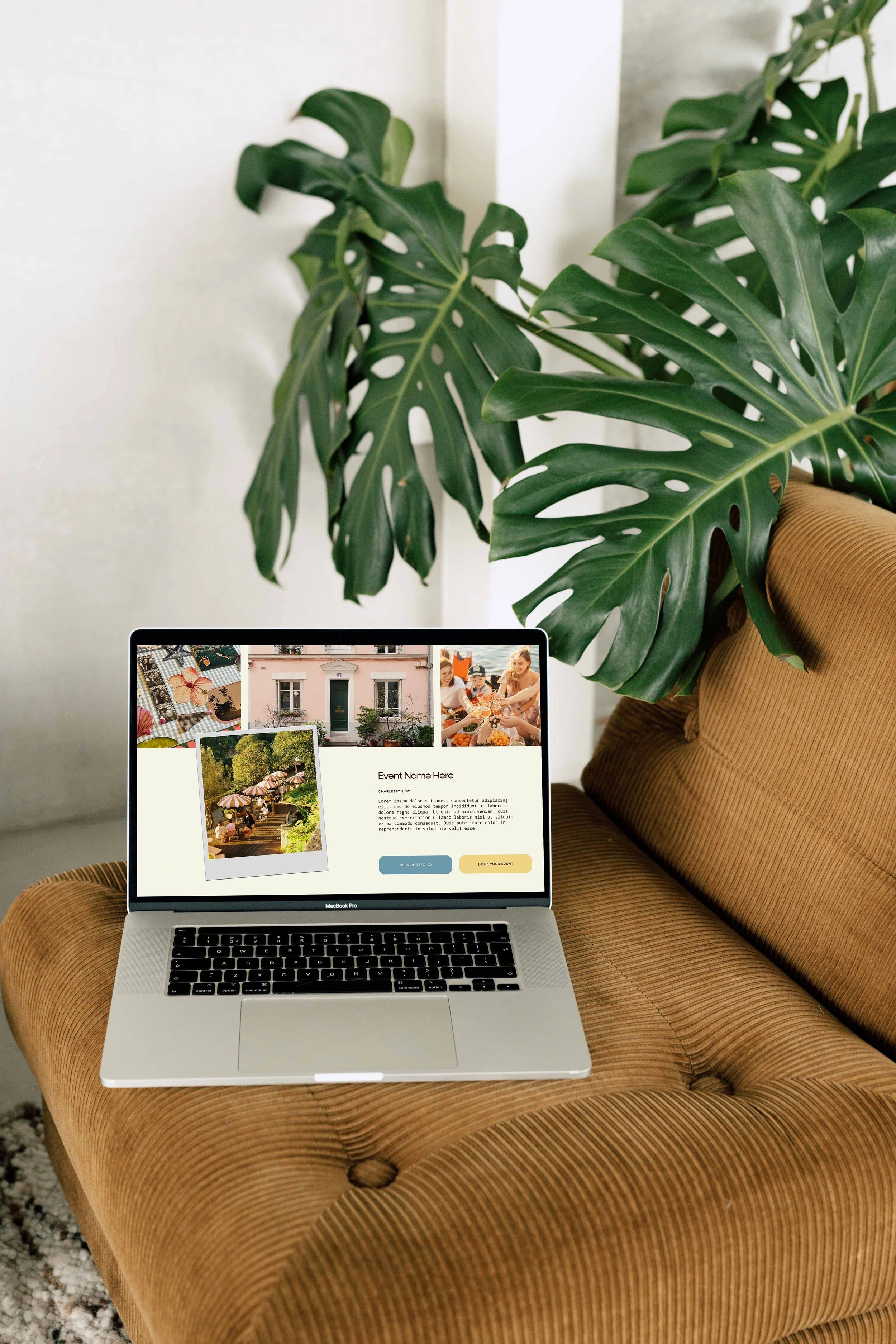
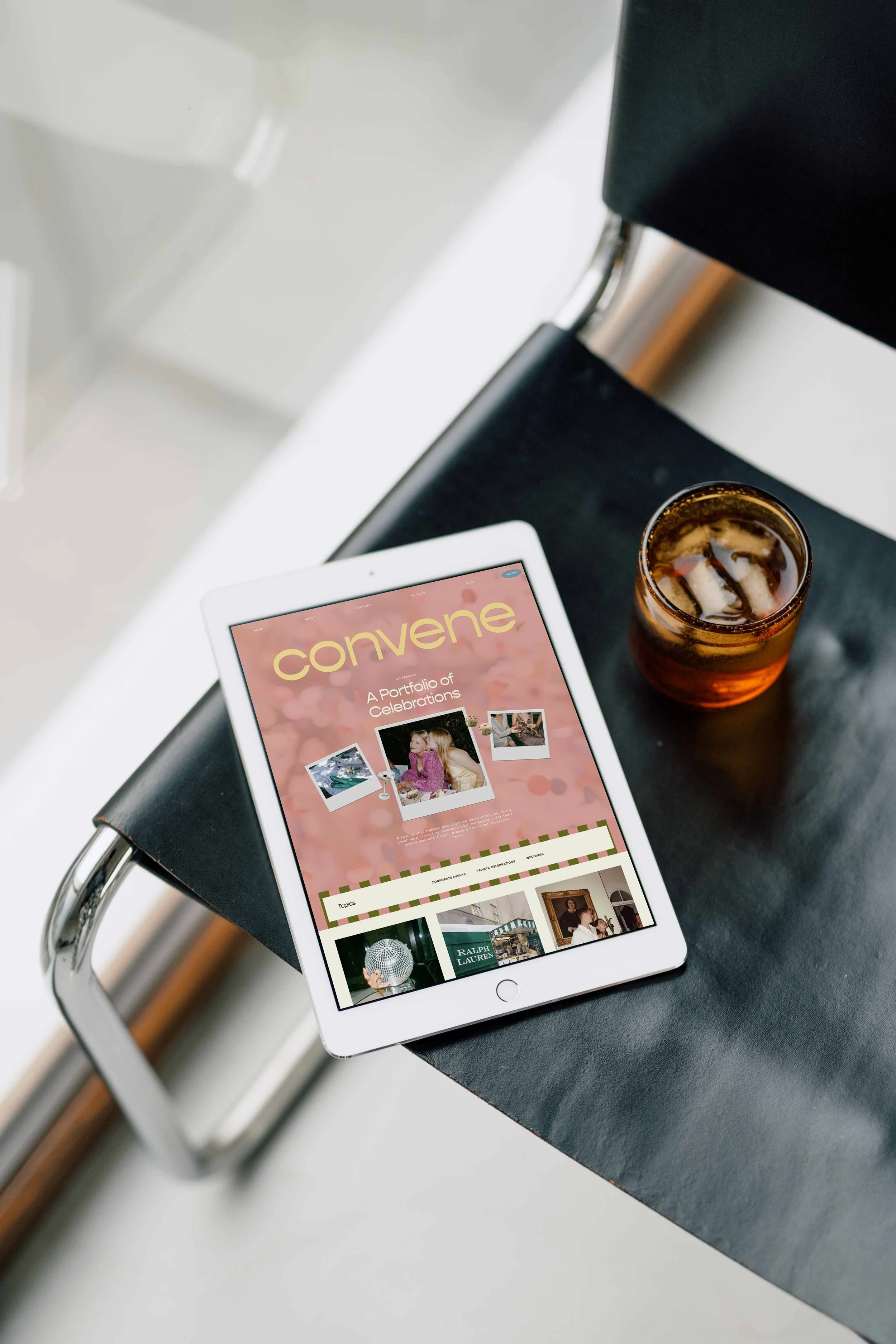
Wedding Planner WEBSITE TEMPLATE
Convene – Squarespace Website Template

$299 • Strategically designed for event planners, wedding planners, and creative service providers ready to showcase their work, attract dream clients, and turn more visitors into inquiries.
Just swap in your colors, images, and words.
What’s Included:
✔️ 1 Website Template
✔️ Launch Checklist and Tutorials
✔️ Our AI Copywriting System
✔️ Unlimited Support/Coaching
✔️ 1 Year Free Trial to Squarespace + 25% Off Your 1st Year
The #1 selling Squarespace template Shop
10 Strategically Designed Pages
This website is built to get you inquiries for your services and uses the same conversion strategy behind our 950+ custom client sites.
-
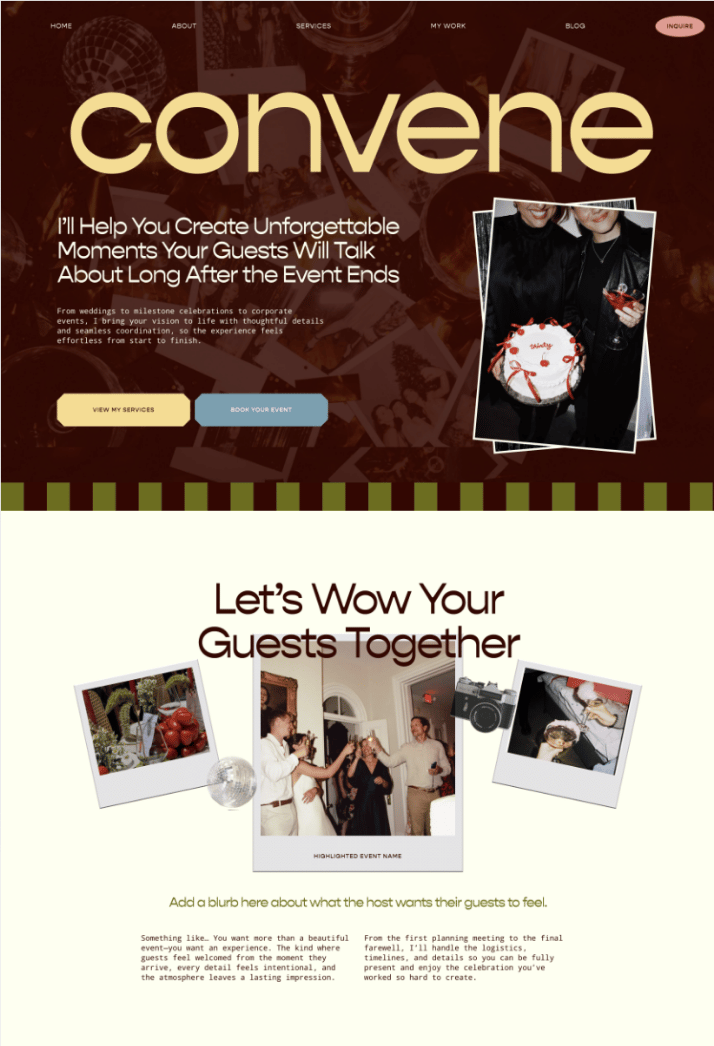
![Home page of Convene, a Squarespace website template for wedding planners and service-based businesses.]()
Home Page
-
![About page of Convene, a Squarespace website template for wedding planners and service-based businesses.]()
About Page
-
![Wedding service page of Convene, a Squarespace website template for wedding planners and service-based businesses.]()
Wedding Service Page
-
![Corporate service page of Convene, a Squarespace website template for wedding planners and service-based businesses.]()
Corporate Service Page
-
![Private event page of Convene, a Squarespace website template for wedding planners and service-based businesses.]()
Private Event Service Page
-
![My work page of Convene, a Squarespace website template for wedding planners and service-based businesses.]()
My Work Page
-
![Portfolio pages of Convene, a Squarespace website template for wedding planners and service-based businesses.]()
Portfolio Posts
-
![Blog page of Convene, a Squarespace website template for wedding planners and service-based businesses.]()
Blog Page
-
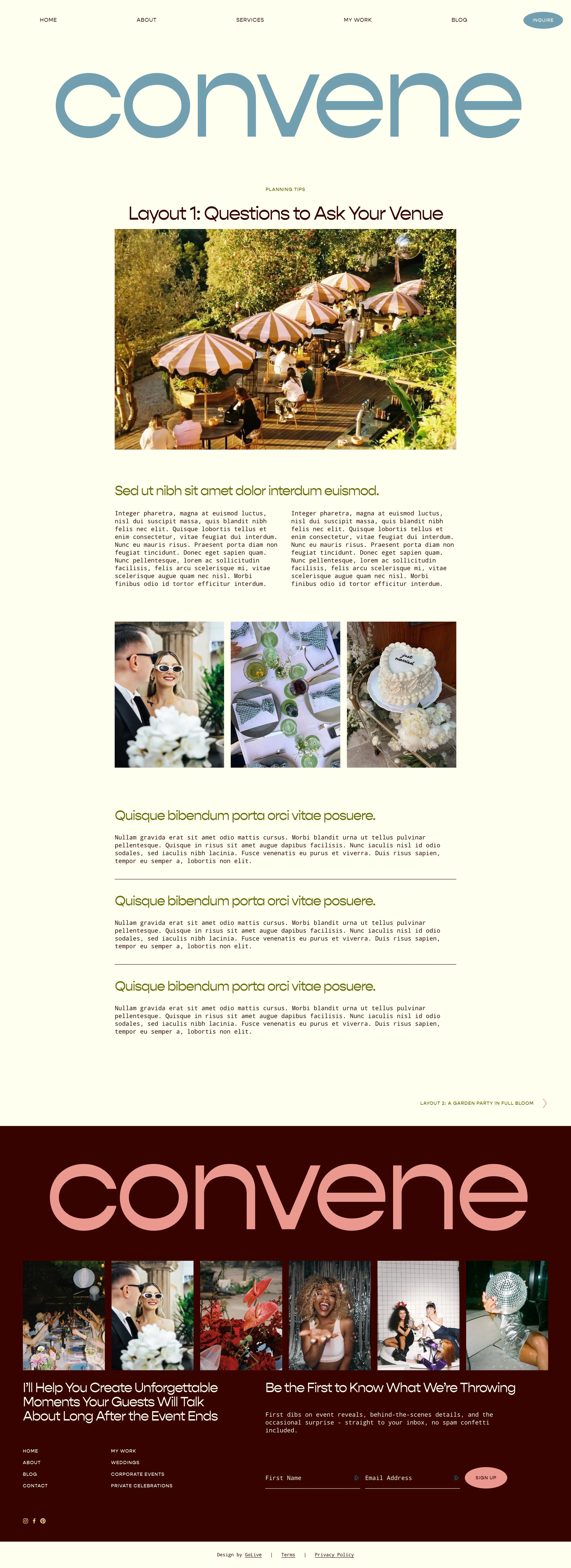
![Blog post page of Convene, a Squarespace website template for wedding planners and service-based businesses.]()
Blog Posts
-
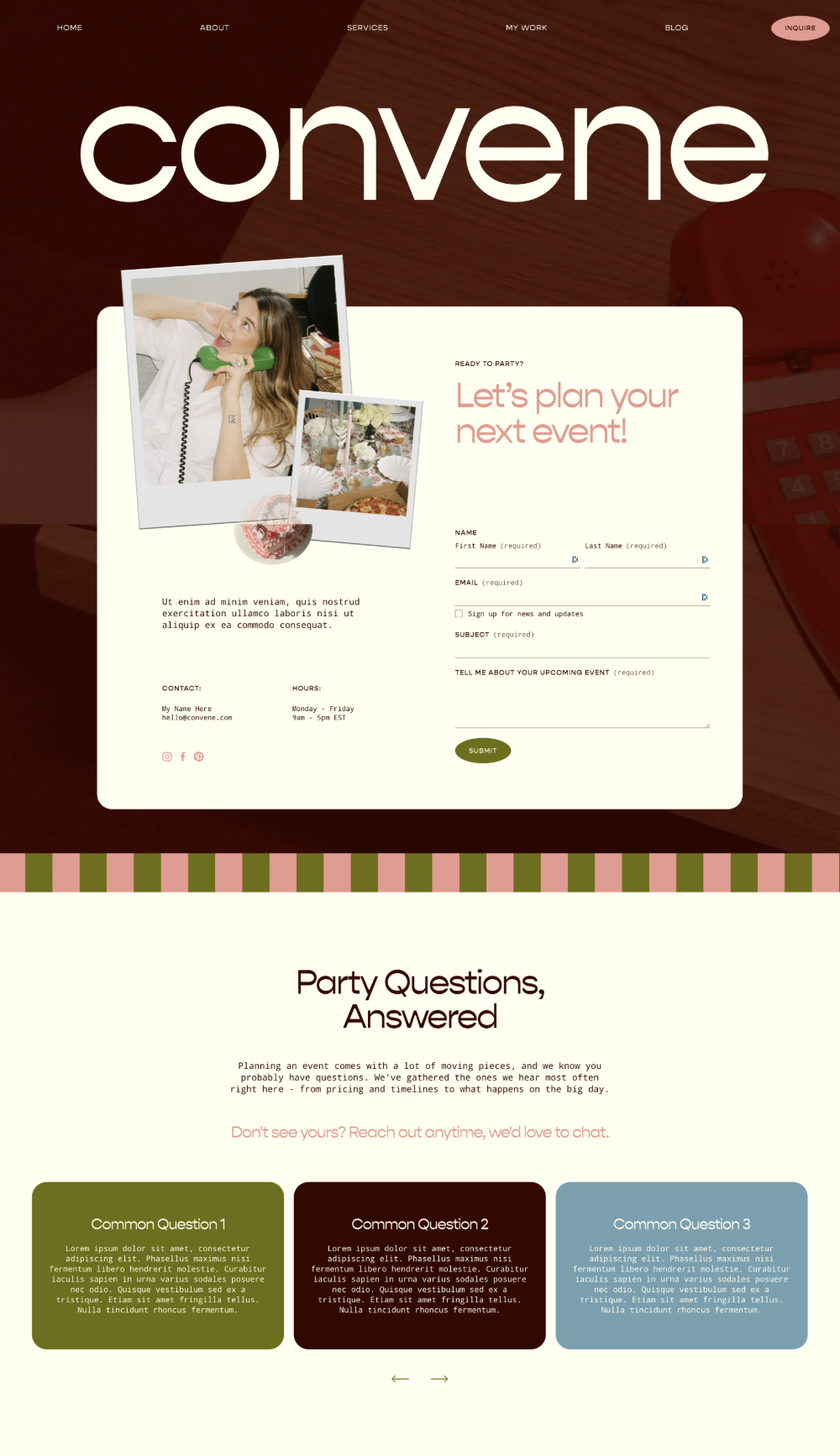
![Inquiry page of Convene, a Squarespace website template for wedding planners and service-based businesses.]()
Inquiry Page
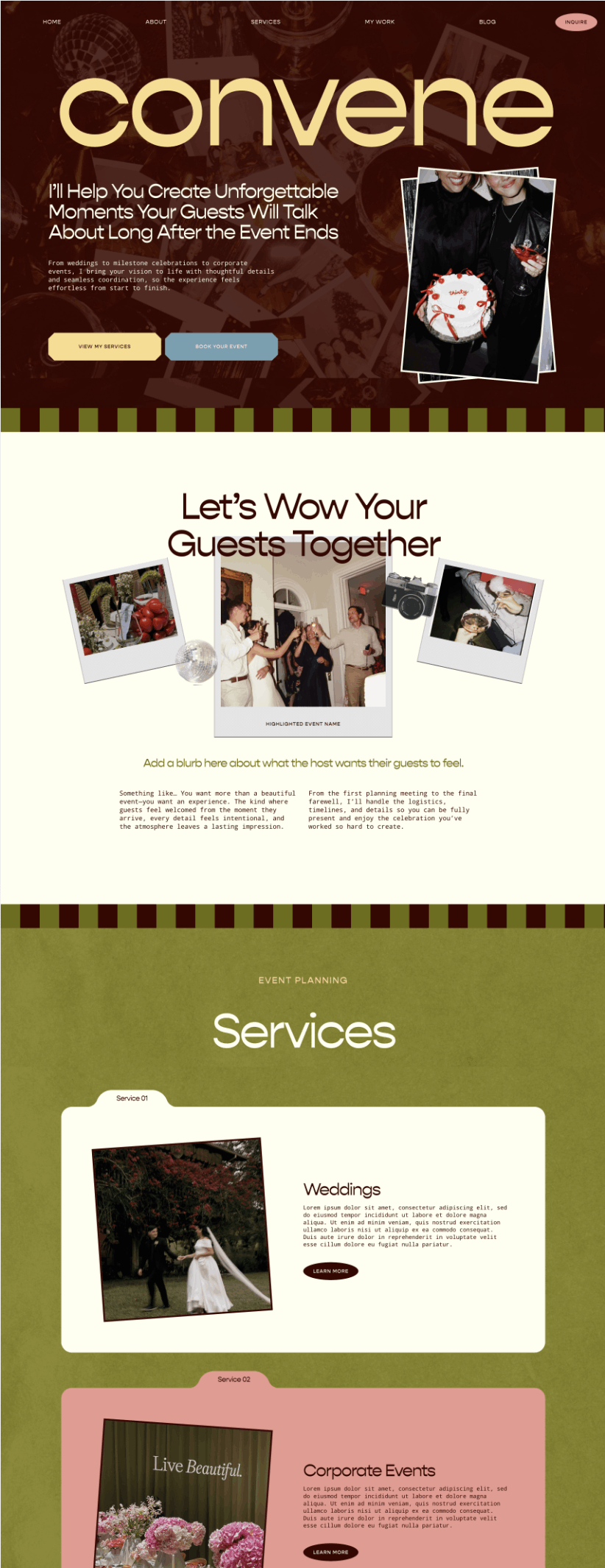


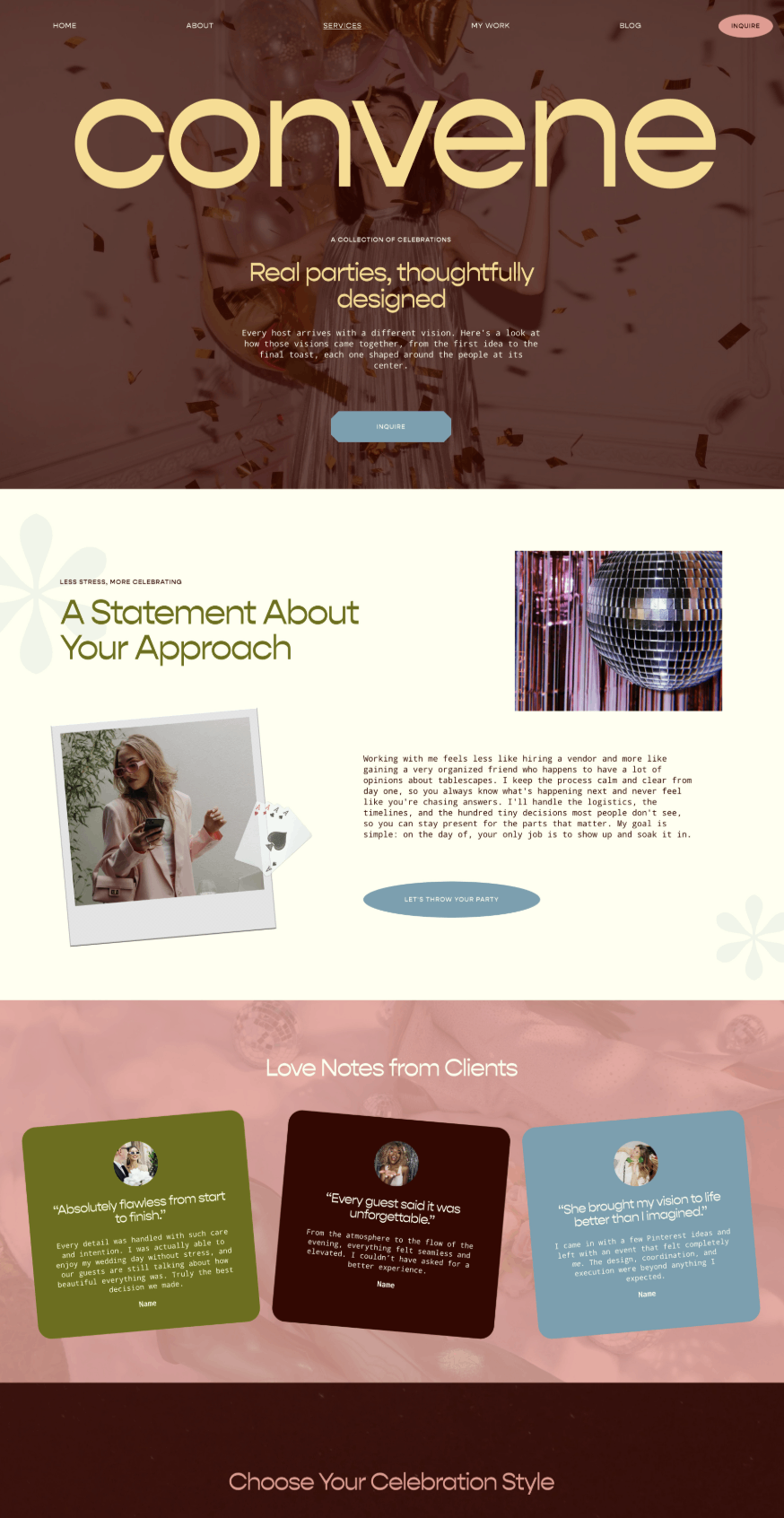
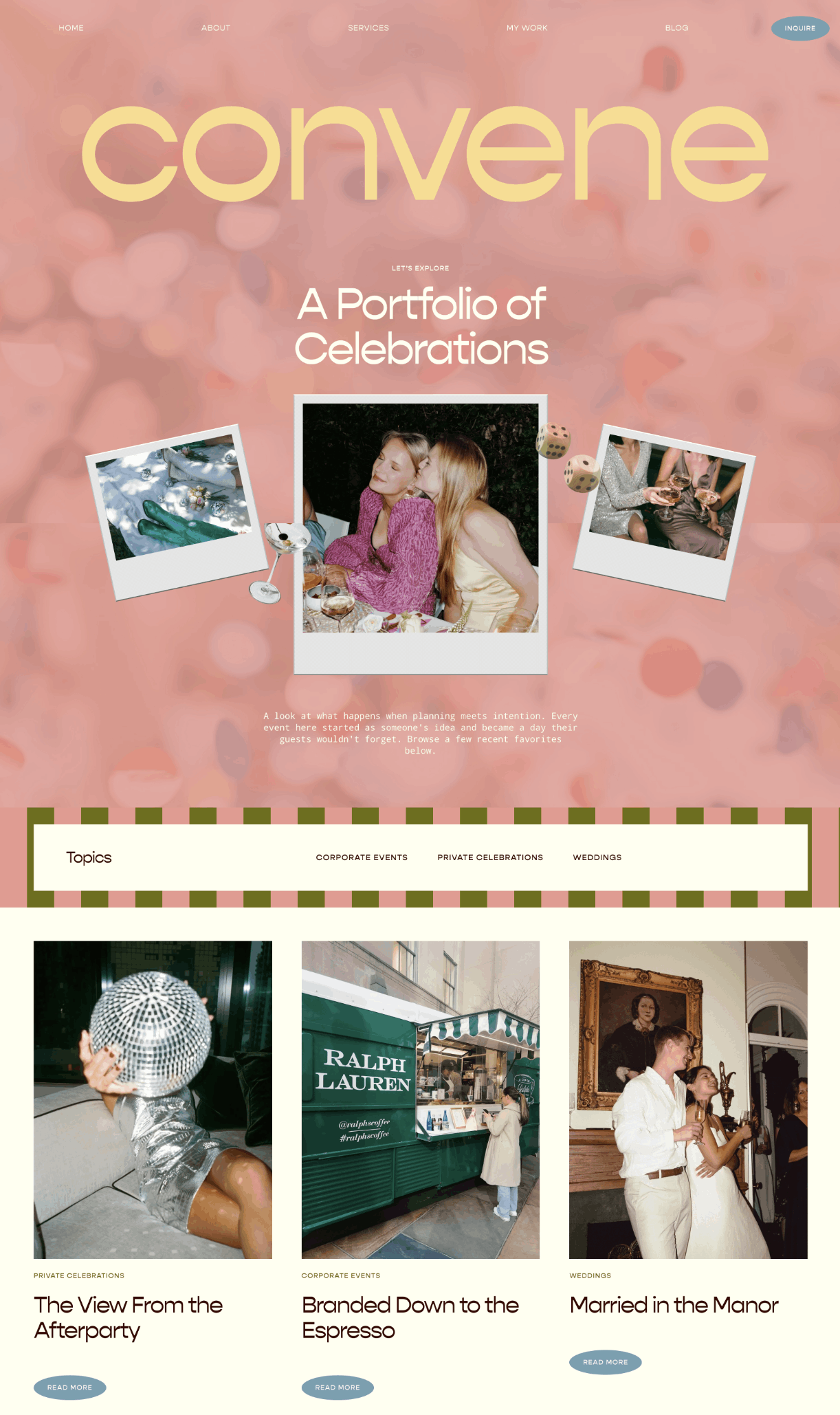
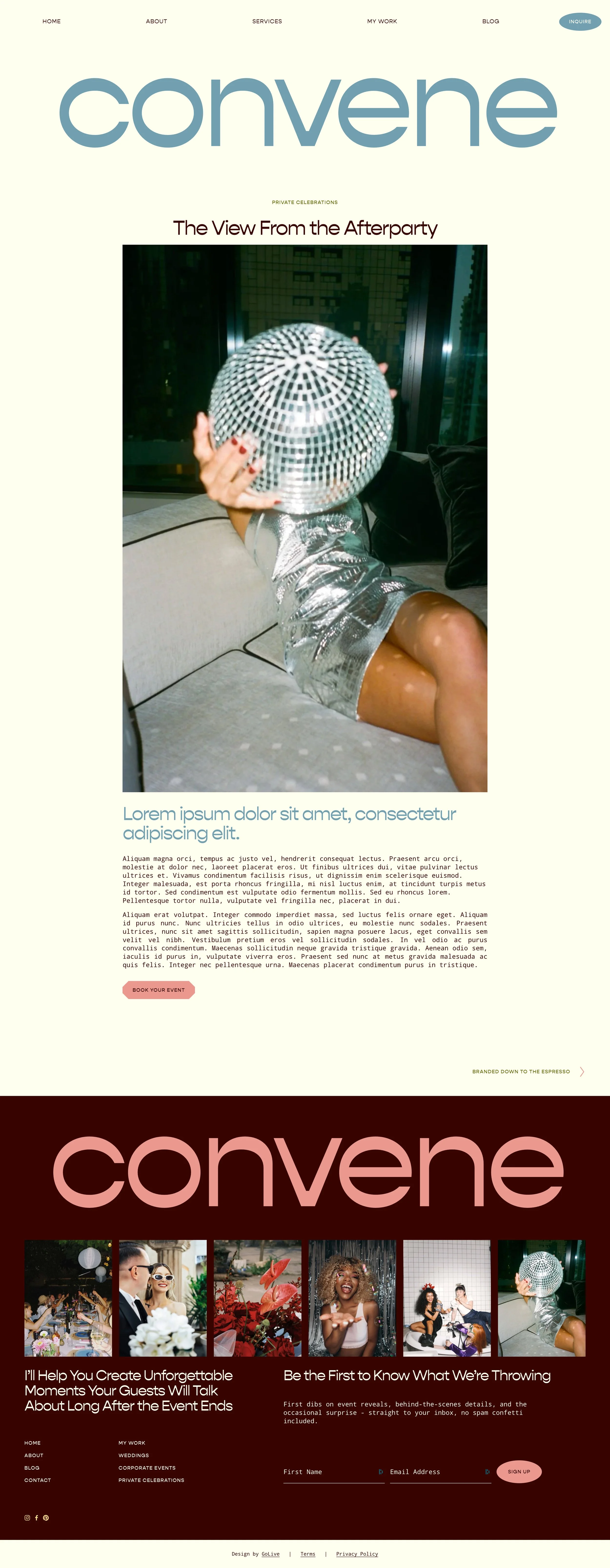

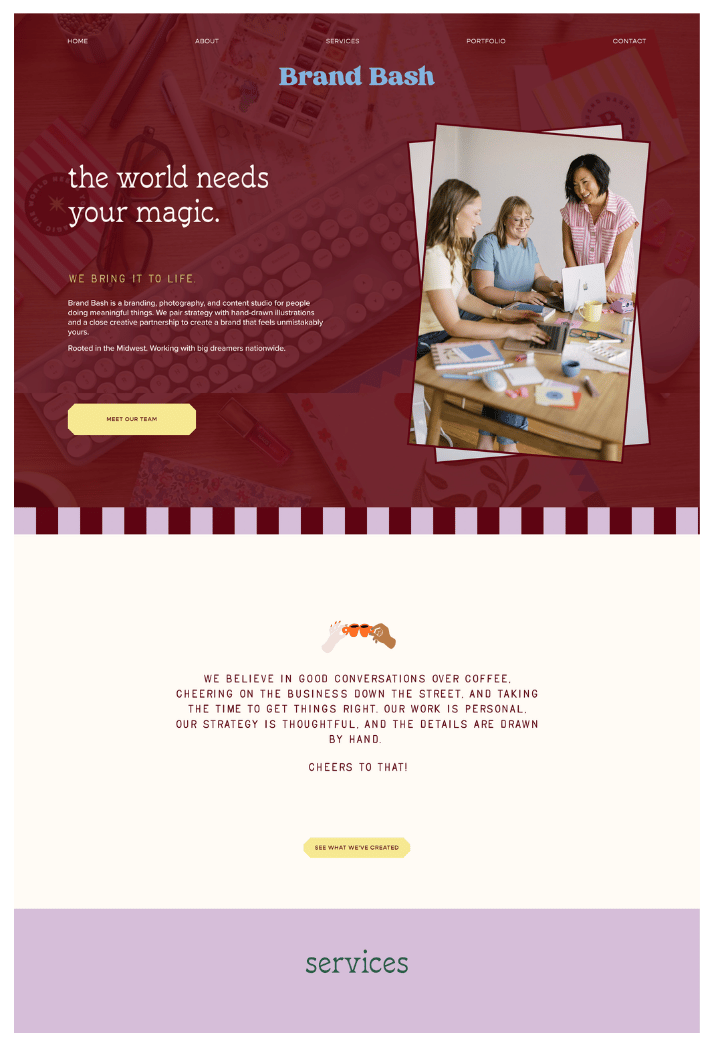
Just swap in your colors, images and words to make it your own
BEFOREOriginal Template
AFTERCustomized Template
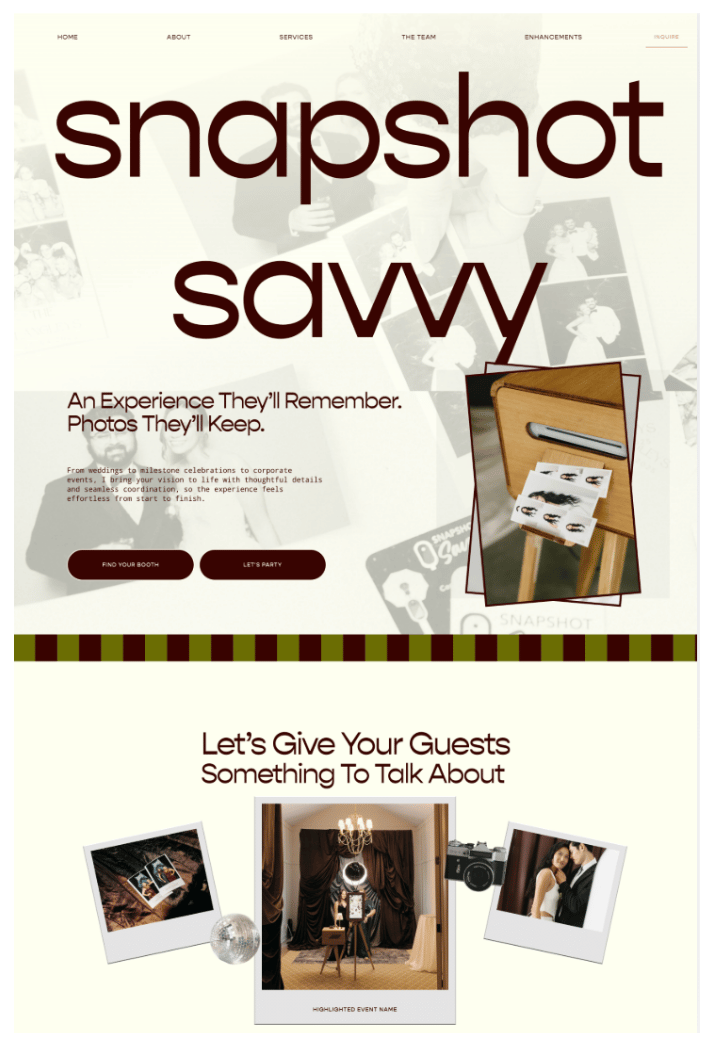
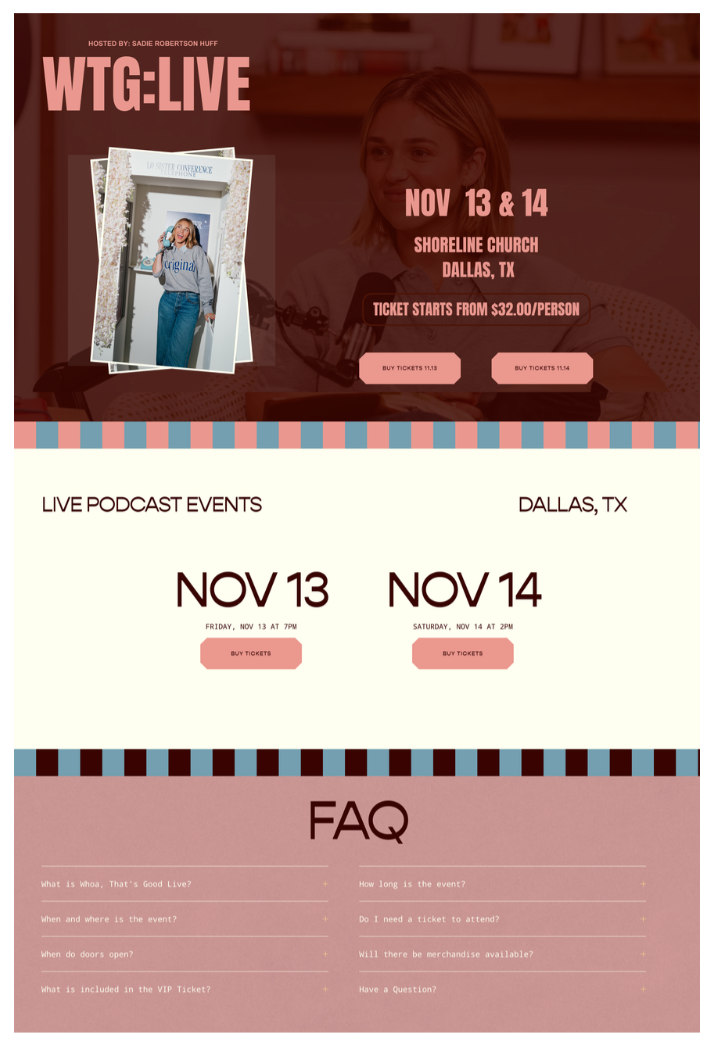
Our Squarespace Websites Are
Strategically Designed and Built to Convert

Jessica saw a 57% increase in bookings
"Since launching, I've done a price increase, seen more direct bookings & a 57% increase in speaking gigs. I get comments all the time about my website."
Jessica Janzen

Bonnie hit her first six-figure month
"I just hit my first six-figure month! The increase in conversion rate is the true measurement of how well the site is performing!"
Bonnie Kuhl

Smiley noticed his website traffic double
"Within 6 months of my new website launch, my avg. monthly website traffic has doubled, 15 new bookings, + booked over $300,000 in new speaking revenue."
Smiley Poswolsky
All the Details…
The DIY price tag with our checklists, tutorials, AI tools, and coaching to customize and build your beautiful website on Squarespace that is actually going to get you results.
What you get
-
Our designers know what converts, so you can launch a website that looks absolutely beautiful AND gets results.
We send your template as a brand-new Squarespace site within 24 hours of purchase.
Already have a Squarespace site? With our Site Install service, we can add the template to your existing site for you.
-
We’ll instantly send you our launch checklist and tutorials, which walk you through everything you need to know to customize your Squarespace site.
-
We’ll use our copywriting strategy to write the words for your site.
Tell us about your business and our AI copywriting system writes conversion-focused copy written in your own words that fits your template’s layout, page by page.
-
Our prompts use our designers’ color palette strategy to pick 5 colors that match how you want your brand to feel, ready to swap right into your template.
-
Everything you need to run your business lives in one secure place: sell courses and products, take payments, book free and paid calls, send email campaigns, deliver your freebies, and get your domain, all without extra tools.
-
Your template site includes a 1-year trial to Squarespace, so you have plenty of time to customize your template (even though it only takes most people 2 hours).
-
You’ll need a Squarespace subscription once you’re ready to publish your site. We recommend the Core plan, and you’ll find 25% off any annual plan waiting in your template site’s billing settings.
-
Our step-by-step guide walks you through Squarespace’s built-in SEO settings so your site is set up to get found on your customers’ Google and AI searches.
-
Learn how to create a freebie, promote it on your website and deliver it automatically, so your site grows your email list for you.
-
Have a question or want to add something to your site? Reach out anytime and a real person on our team will help you get unstuck, as often as you need.
-
Get honest feedback via a video screen recording on your site from our experts, plus coaching on how to turn your website into a tool that brings in clients.
-
We’ll instantly email you our Notion Hub with our launch checklist and tutorials, plus our bonus guides.
You’ll receive your template as a brand new Squarespace site withing 24 hours (or we can install the template into an exiing site with ou
yada yad
Design Details
This template is 100% customizable.
-
This design is strategically built with all of the pages to showcase your work, promote your services and get inquiries.
You’ll just need to swap in your colors, images and words (using our AI Copywriting System) to customize your template.
-
Need more pages? Duplicate any page in your template, reuse sections from other pages or start from one of Squarespace’s pre-built page designs.
-
Keep the template’s color palette, or use our AI prompt to pick your own colors and swap them right into your site.
-
Your template’s fonts come included, and many people keep them as is.
Want a different look? Choose any font available in Squarespace, or upload your own custom fonts.
-
Every photo in this template is a free stock photo, so you’re welcome to keep any of them.
Want new ones? Our tutorials include a list of free stock photo sites to choose from. Some templates also come with customizable Canva graphics we’ve built for you.
what you’ll need to launch
-
We give you a 1-year trial to Squarespace, so you have plenty of time to customize your template. When you’re ready to publish, you’ll need a Squarespace subscription. We recommend the Core plan, and we give you 25% off any annual plan.
-
You’ll want to publish your site on your own domain (for example: www.yourbusinessname.com).
If you already have one, you can easily connect or transfer it to your Squarespace site. If you need one, you can get a domain right inside your Squarespace site, and they typically include the first year free when you start an annual plan.

ARE YOU THINKING..“I’m short on time, could you set up my template for me?”
The answer is YES! One of our designers can set up and edit your new template with your images, branding, and colors in a single day with our site setup service. So all you’ll need to do before you publish your new site is edit the text boxes, connect your domain and upgrade your Squarespace subscription.
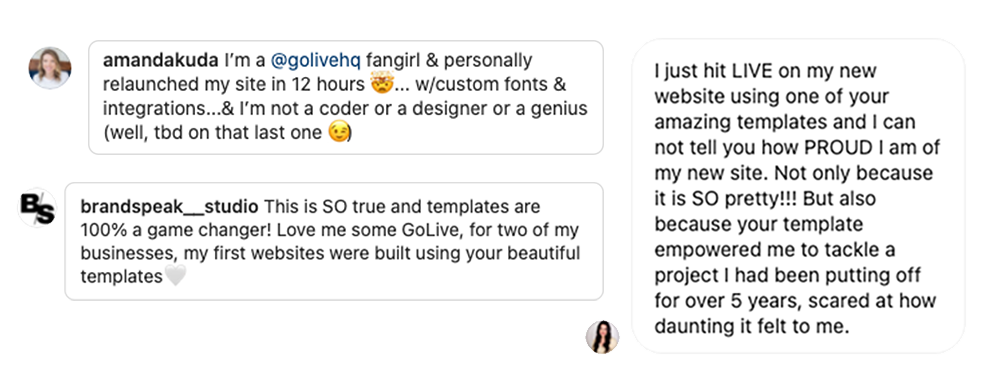
Raving ReviewsOur Squarespace templates have helped over 16,800 business owners launch their website!
-
![Monique Sheilds 5-star review for wedding planner trainer website template for Squarespace]()
"With my GoLive template installed and the insanely helpful step-by-step tutorial videos, I started customizing on a Tuesday and was launch ready by Friday morning!!"
MONIQUE SHIELDS
Coach -
![Jamar Diggs 5-star review for wedding planner website template for Squarespace]()
“OMG Building my site was so much easier than I thought! Thanks to the step-by-step tutorials I was able to build a site I’m proud of & it didn't take forever, haha!”
JAMAR DIGGS
Marketing Advisor -
![Ivette Valdez 5-star review for wedding planner website template for Squarespace]()
"The template was super easy and fully equipped with every direction and tool I needed to create the website design I envisioned. I'm so happy I went with GoLive!"
IVETTE VALDEZ
Podcaster -
![Chelle Lynn 5-star review for wedding planner website template for Squarespace]()
"BEST 'plug & play' template I've ever invested in! I turned my bland 2-page website into a beautifully inviting 5 page website over a weekend.”
CHELLE LYNN
Leadership Coach -
![Amanda Kuda 5-star review for wedding planner website template for Squarespace]()
"I relaunched my site in 12 hours with custom fonts & integrations... and I'm not a coder, designer or a genius. (Well, TBD on that last one!)"
AMANDA KUDA
Life Coach -
![Jenny Eastwood 5-star review for wedding planner website template for Squarespace]()
“Discovering GoLive was the best thing I could have done for my business. I finally feel like I have a website that represents by business. People say my site looks like a $10K job!"
JENNY EASTWOOD
Copy Squad



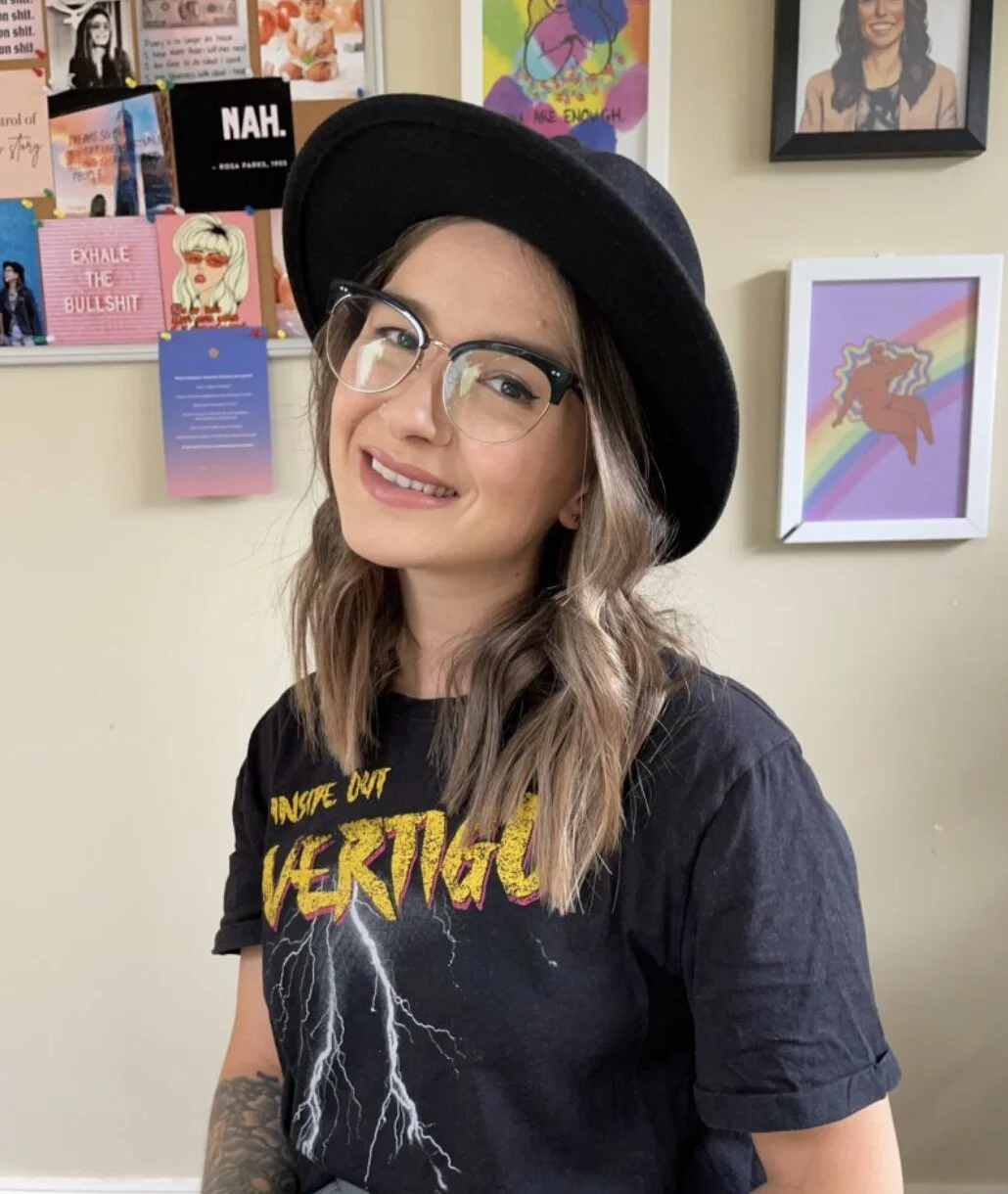
How Easy It Is Customize Your New Website
Just swap in your content into a layout that a designer custom built for you.
Step 2: Swap in Your Images
Then you'll swap in your own images (or you can just keep the ones already there).
Step 1: Swap in Your Colors
The first thing you'll want to do after getting your template is edit the colors in your site styles.
Step 3: Swap in Your Words
Then you'll just edit the words on the text boxes throughout your site. The template will show you what you should be writing about in each section.
Something about how they will get access to to our AI copywriting system
Then launch your site yada yada.
The Customization in Action
See how service providers, coaches and business owners like you have customized this design to make it unique to their brand.


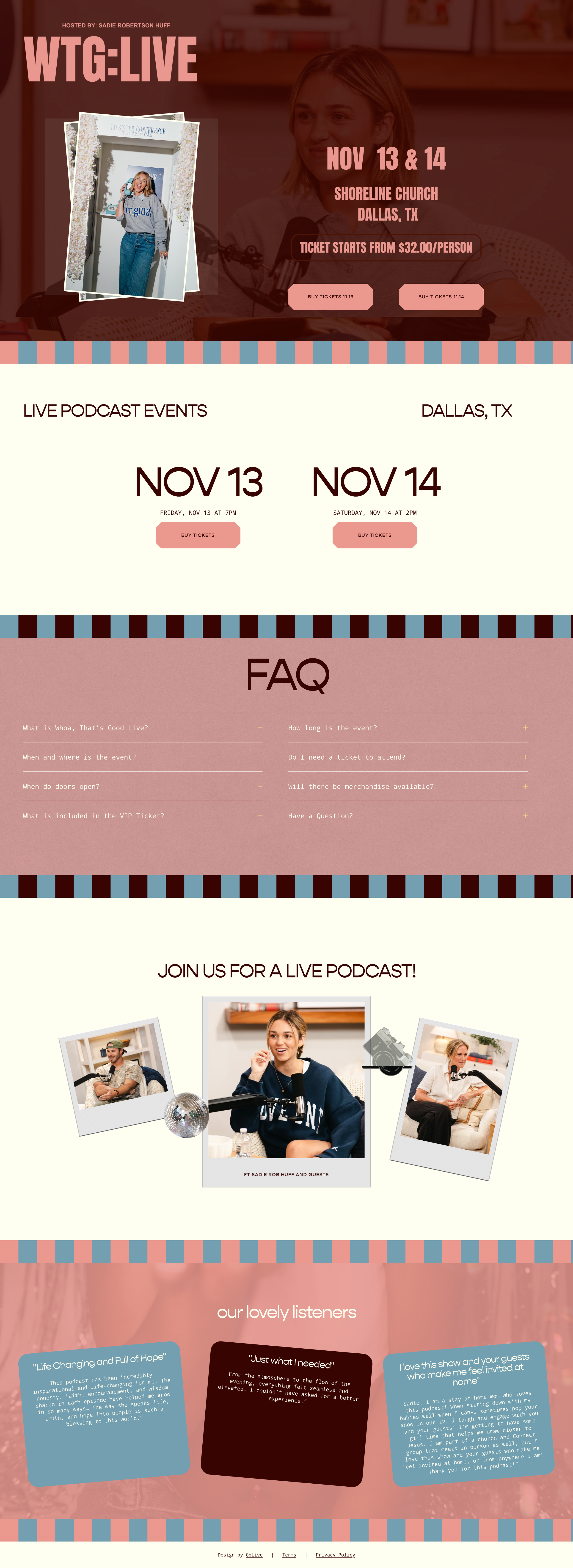

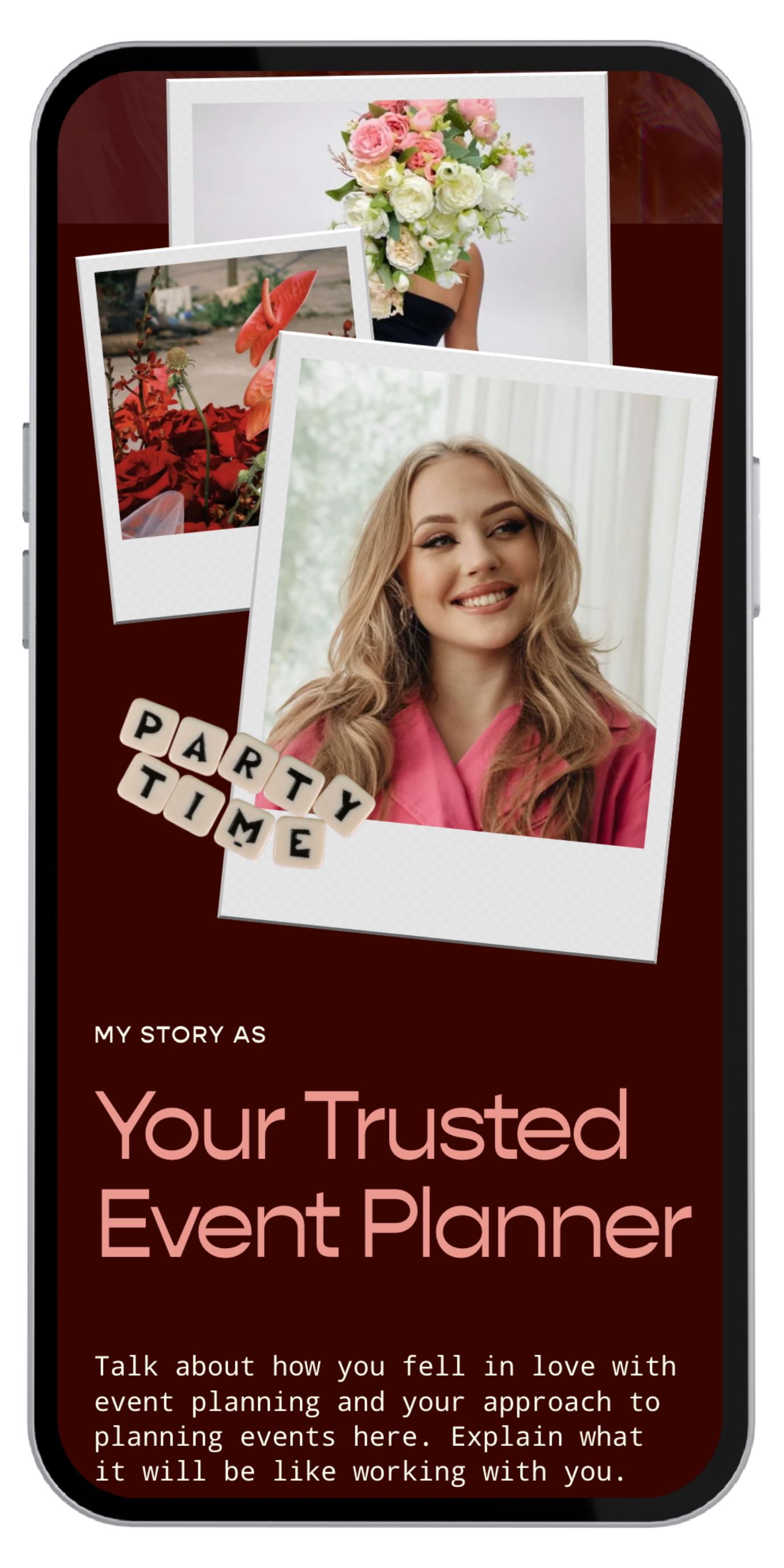
Overwhelmed by the thought of customizing your template?
Leave it to us! We'll set up your new template with your images, branding, and colors in one day with our done-for-you site setup service. So all you'll need to do before you publish your site is add your text and upgrade your Squarespace subscription.
You’ll get exclusive access to our AI copywriting system
Leayad ayadayada
These templates are designed by the same team behind over 950 custom sites.
GoLive HQ is a Forbes-featured Squarespace design agency, and we've been designing Squarespace templates since 2014. Every template is built with the same strategy we use for our custom $5400+ client sites (and we’ve built 950+ of them) , so you get a website that converts without the custom price tag.


SOPHIA AMORUSO
Founder of Nasty Gal
MADI PREWETT TROUT
TV Personality & Podcaster


JASMINE STAR
Speaker & Tech Founder
AMY PORTERFIELD
Marketing Expert & Author
PHIL ROSENTHAL
TV Writer & Producer
SADIE ROBERTSON
TV Personality & Speaker
PRESS PLAY TO WATCHReal Reviews from Real People
Built on Squarespace’s Drag-and-drop editor
People who sell services love Squarespace because it’s a simple, all-in-one platform that makes building a professional website easy and stress-free.
Easy Drag and Drop Editor
Squarespace’s drag-and-drop editor makes it simple to move things around, add your content, and update your design so your site looks exactly how you want it!

All in One Platform
Whether you’re starting a blog, selling products, or launching a course, Squarespace has it built in. No need to hunt for extra tools or plugins—it’s all included.

Easy Integrations
Connect Squarespace to your favorite tools like email platforms, social media, calendars, and more for a seamless experience.

Marketing Analytics
Keep tabs on how your site’s doing with an easy-to-understand analytics dashboard to track website performance, visitor behavior, and sales data.

SEO-Friendly Tools
Squarespace helps your site show up in search results with built-in SEO tools like custom page titles, meta descriptions, and automatic sitemaps.

Reliable Hosting & Security
Squarespace manages hosting, backups, and security so your site stays fast, safe, and up-to-date without you needing to handle any of the tech behind the scenes.


“I've only been a Wordpress user so I was a little nervous about trying out Squarespace. However, your video tutorials walked me through each step and if I ever felt stuck, the GoLive team helped me troubleshoot.
Thank you for such a positive experience! I went the Squarespace route because of your designs.”
–Katie pritchardFrequently Asked Questions
-
You don’t need to set up a Squarespace account before purchasing your template. Once you complete your purchase, we’ll send your website template through a Squarespace contributor invite. Just accept the invite, and you’ll be guided to either create a free Squarespace account or log in to your existing one—it’s super simple!
-
We normally deliver your template as a brand new site. That way, you can fully customize it, then switch your domain over from your old site to the new one whenever you're ready to go live.
We can also install the pages from your template into the Not Linked section of your existing 7.1 Squarespace site with our site install service.
Learn more about our site install service here.
-
Within minutes of purchase, you will receive an email with access to video instructions that will show you how to prep for your Squarespace Template.
While you prep, our team will be working to send you a contributor invite to your email (within 24 hrs) with access to your brand new Squarespace site for your template.
-
Yes, the price of the template covers the design and use of the template only. To publish your site and make it live, you’ll also need to purchase a Squarespace plan.
We recommend waiting to buy your Squarespace plan until after you receive your new template. This way, you’ll receive 20% off your annual plan as GoLive customer! Click here to view Squarespace’s pricing plans.
-
No, our templates are only available for use on Squarespace. We love Squarespace, and believe it’s one of the easiest platforms to be able market your offerings, manage your content, and keep your site running smoothly.
-
Yes! Our expert designers have optimized every template for mobile, so your site will look great on any device—no need to customize your template twice. Squarespace is one of the best platforms for SEO, and we’ve built our templates to make it simple for you to plug in your keywords and start showing up in Google search results.
-
The designs can be used as-is or you can customize further to make something even more unique to you. The video tutorials show how to edit colors, fonts, images, graphics, and more. You can also add or remove pages, layouts, and sections. You can always email us at hello@golivehq.co if you need help adding something to your template!
-
We use all of Squarespace’s built-in features, so anything that is possible on a regular Squarespace site is possible with our templates. For a quick hit-list, here’s some things you can add to this Template: Shop, Blog, Email Marketing, Scheduler, Custom Code, MLS embed, Galleries, Video, and more.
-
Nope! We worked really hard to make these as user-friendly as possible. Each design comes with step-by-step video instructions to create the design in your Squarespace account using the built-in style editor.
-
Our website templates do NOT require photoshop. However, a select few design require the use of Canva to edit a few graphics on the design.
-
You’ll have unlimited email and Loom support from our team! Just send a message to hello@golivehq.co whenever you need a hand, and we’ll help you get your site live as soon as possible.
-
Because of the digital nature of our products, they cannot be returned and are non-refundable. Please contact us if you have any specific questions about this before you make a purchase.
Still have a question? We would love to help! Email us anytime at hello@golivehq.co
Wedding Planner website templateYour New Website, Designed By Experts Who Know What Converts
$299 • Squarespace Website Template
